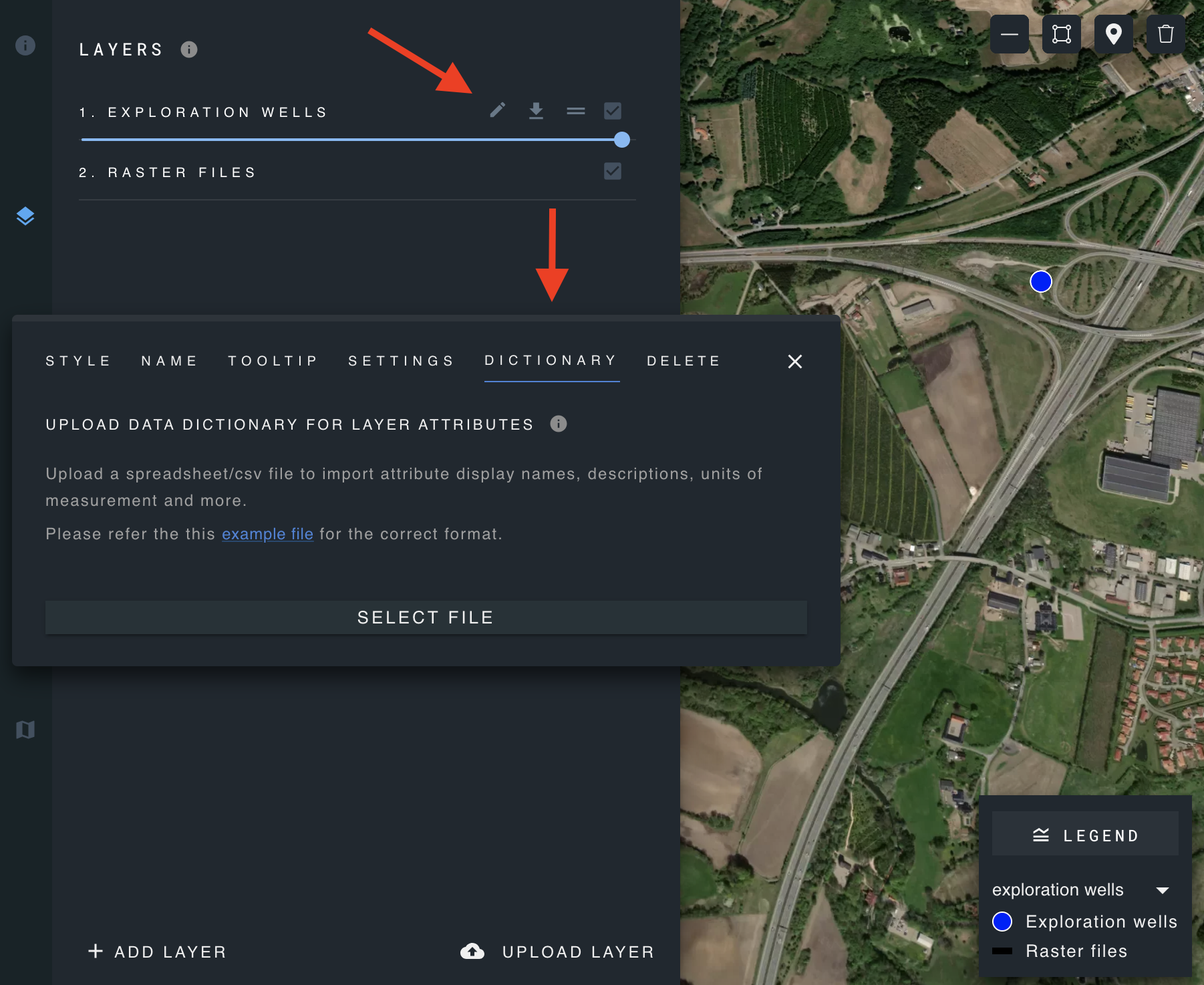
Upload attribute "dictionary"
For users with edit permissions:
These features are only available for users with admin or edit permissions.
Admin users can import attribute display names, descriptions, units of measurement, and more by uploading a spreadsheet/CSV file for a designated layer. This allows users to update and manage attribute display details for an entire layer all at once, as opposed to separately editing each attribute.
Download the example file for the correct spreadsheet/CSV format.
Spreadsheet structure
| slug | hide_in_selected_feature_panel | display_name | display_description | unit_name | unit_abbreviation | metric_system | decimal_places |
|---|---|---|---|---|---|---|---|
| wt-deer | TRUE | WHITE-TAILED DEER | Odocoileus | ||||
| soil_area | FALSE | AREA | Reporting unit area | square metres | m^2 | metric | 0 |
| rb_trout | TRUE | RAINBOW TROUT | Oncorhynchus | ||||
| water_body | FALSE | EMERALD LAKE | Yoho National Park | hectares | ha | metric | 0 |
Spreadsheet requires valid column titles: slug, hide_in_selected_feature_panel, display_name, display_description, unit_name, unit_abbreviation, metric_system, decimal_places.
Requirements for each column:
- slug (*): must correspond to an existing attribute.
- hide_in_selected_feature_panel (*): requires a true or false value, can also be 0 (false) or 1 (true).
- metric_system: accepts only metric or imperial.
- decimal_places: accepts only integers.
(*) Mandatory column, cannot be an empty value.