Features
Vector layers are comprised of features, which may be polygons, points or lines.
In addition to geographic coordinates, a feature also includes a set of key-value pairs known as "properties" or "attributes". Attributes can be named arbitrarily and can contain arbitrary JSON data structures (strings, numbers, booleans, null, arrays, and objects).
Visit geojson.org or geojson.io to see examples of features in GeoJSON format, one of the numerous file formats which users may upload to Strato Maps.
Select a feature
Click a feature on the map to see the feature's attributes displayed in the "selected feature" panel.
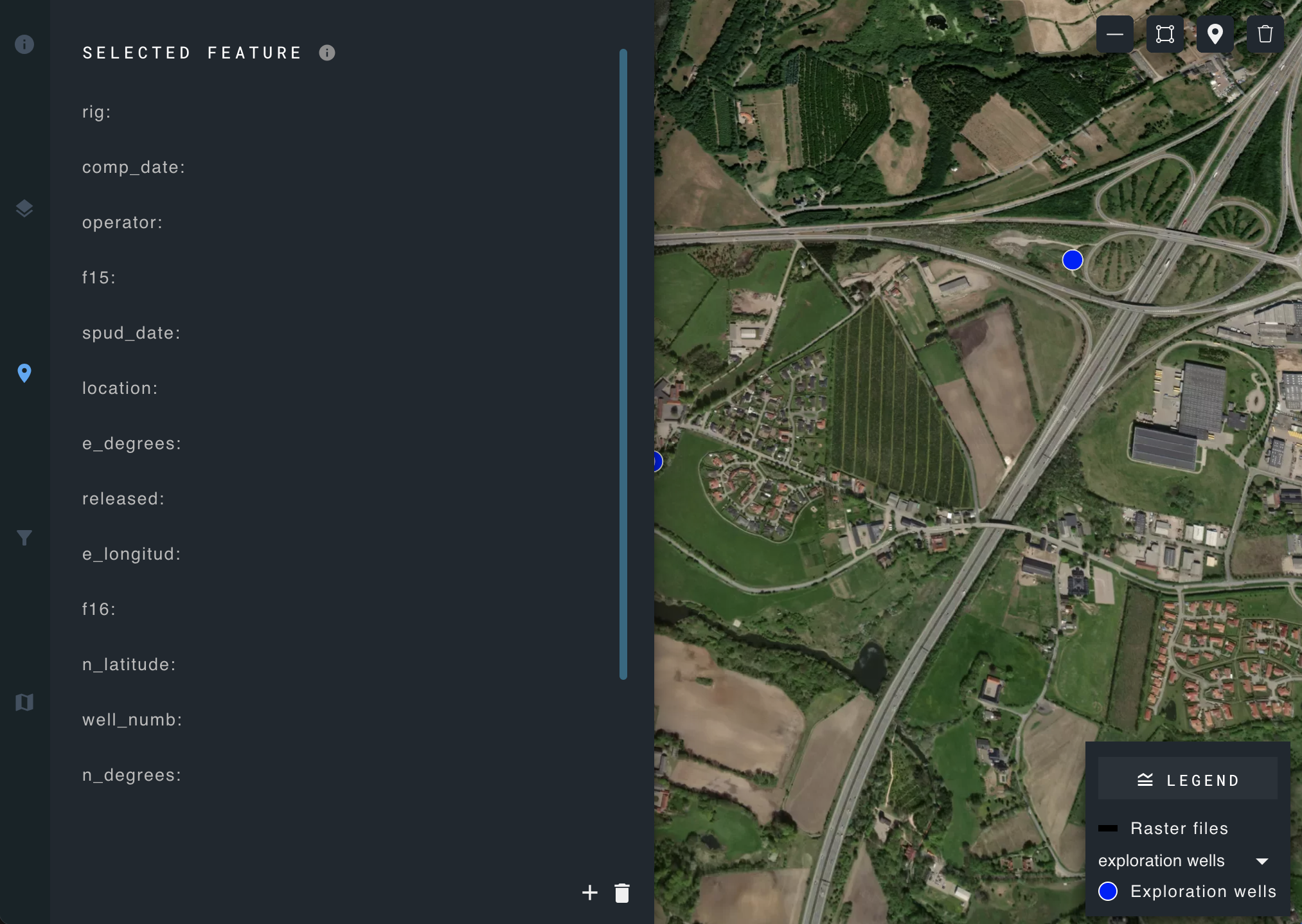
To rearrange the order of listed attributes, click and hold the desired attribute, and drag and drop to its new position.
Add a new feature
Create a new feature using the draw tools found in the upper right-hand corner of the map.
The draw tools are interactive tools that allow users to create graphics for points, lines, and polygons on a map.
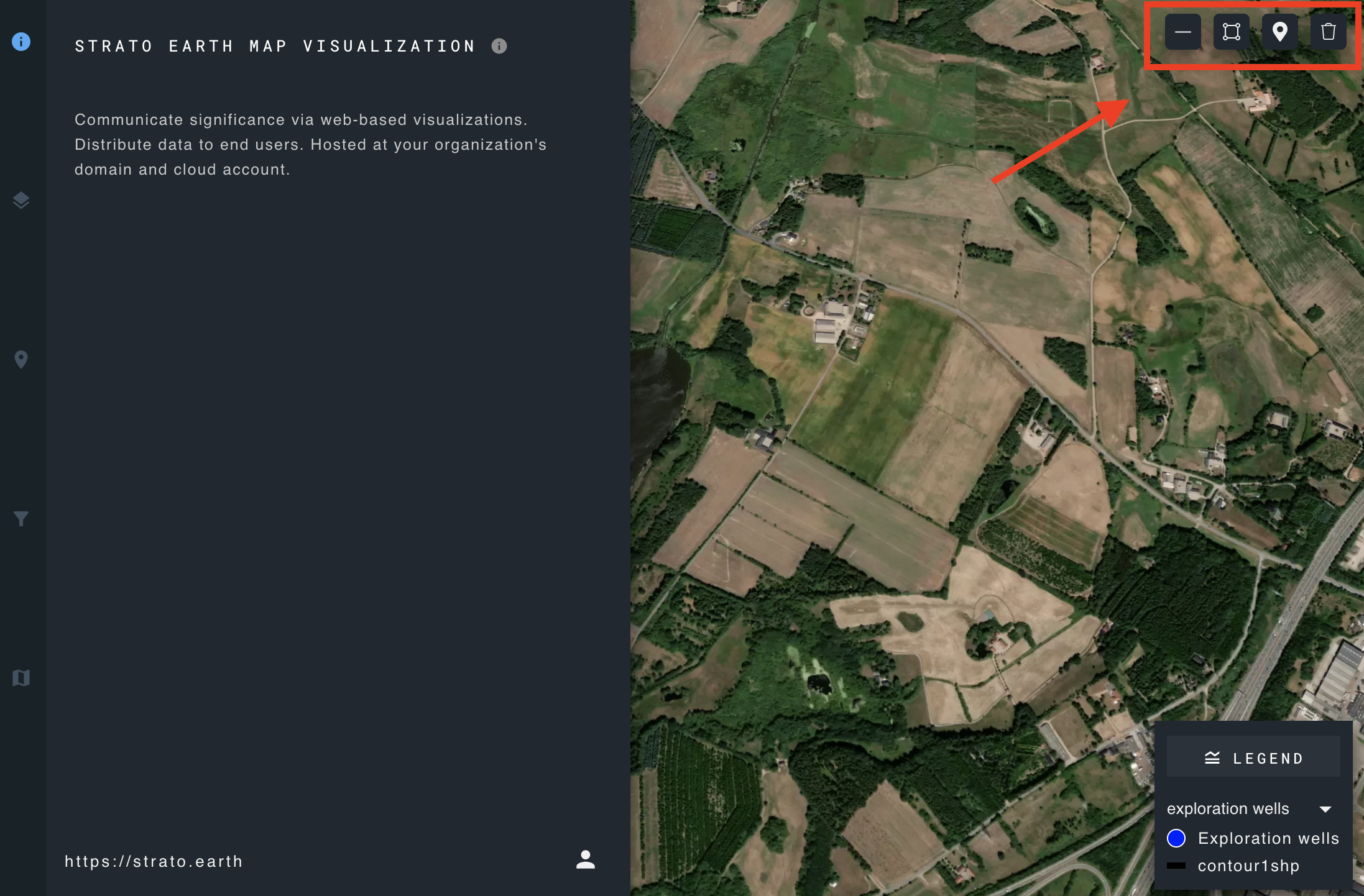
The draw tools can be display or hidden on the map by marking the checkbox in the user interface configuration.
The incorporation of this widget offers users a panel and toolbar equipped with the following tools:
- A toolbar to draw features on the map like point, polyline, and polygon.
- Customization options:
- For points, you can modify fill color, outline color, outline width, and fill transparency.
- For polylines, you can alter width, dash type, color, and transparency.
- For polygons, you can modify fill color, outline color, outline width, and transparency.
Delete a feature
Click the delete icon in the lower right corner of the selected feature panel and confirm deletion.