Upload a layer
Upload a new layer by clicking on the icon at the bottom right of the layers panel. Choose desired file type—"raster" or "vector".
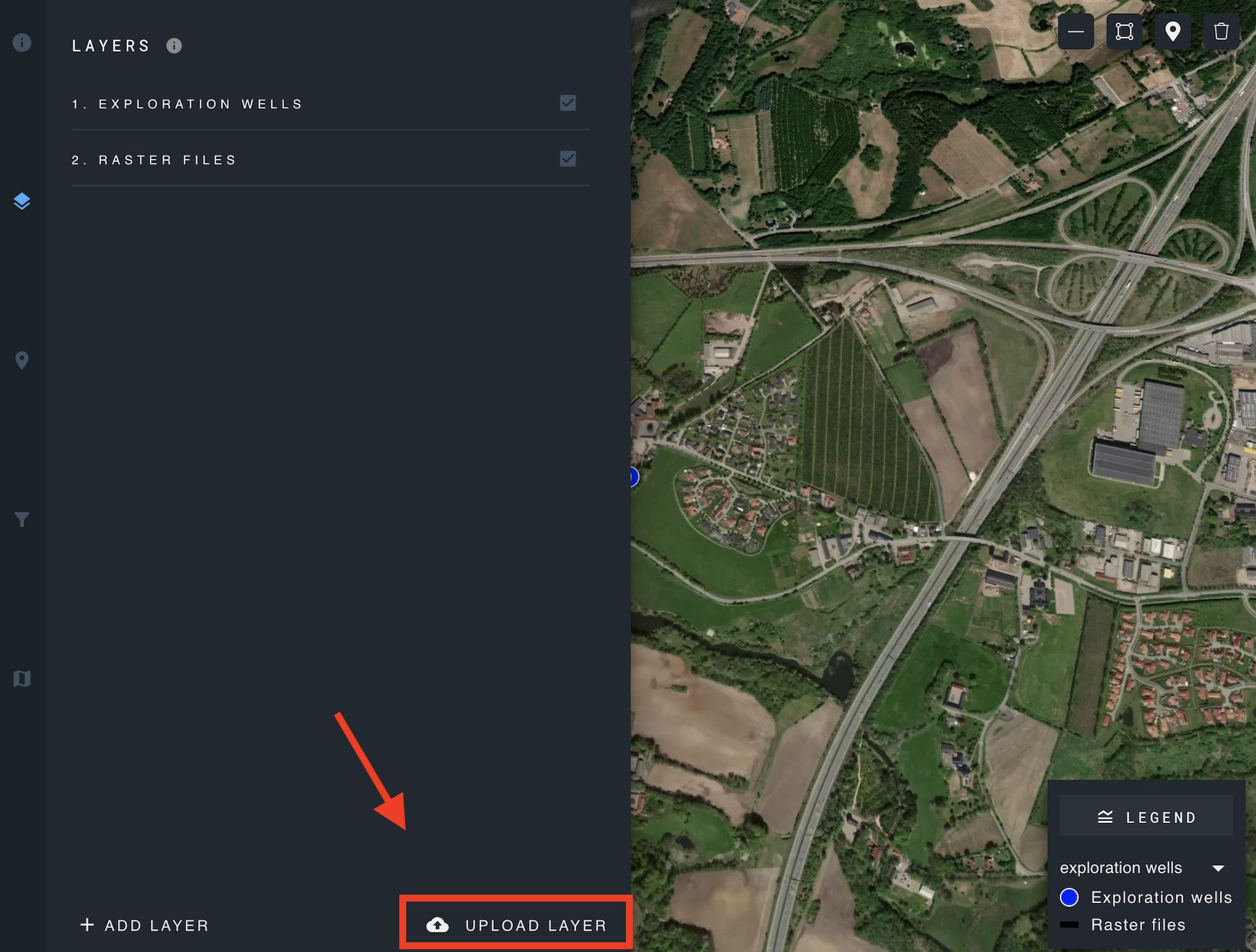
Please note that larger files may require additional processing time, potentially taking several minutes to complete the upload. Once the upload is finished, the newly uploaded layer is listed in the layers panel.