Layer Performance
These features are only available for users with admin or edit permissions.
Zoom levels
Select the minimum and maximum zoom levels at which the layer will load on the map.
Level 1 is the most "zoom out" perspective, providing a wide view of the entire earth, while level 22 is the most "zoomed in" perspective.
Preventing large layers from loading at low zoom levels will increase map performance. For example, a vector layer consisting of hundreds of thousands of features will load slowly if the map is zoomed out to level 3, as all of the features will be visible at the same time. If "maximum zoom level" is set to 14, the user will have to zoom into level 14 before they can view this layer, meaning that only a portion of the features will load at any one time, resulting in faster performance.
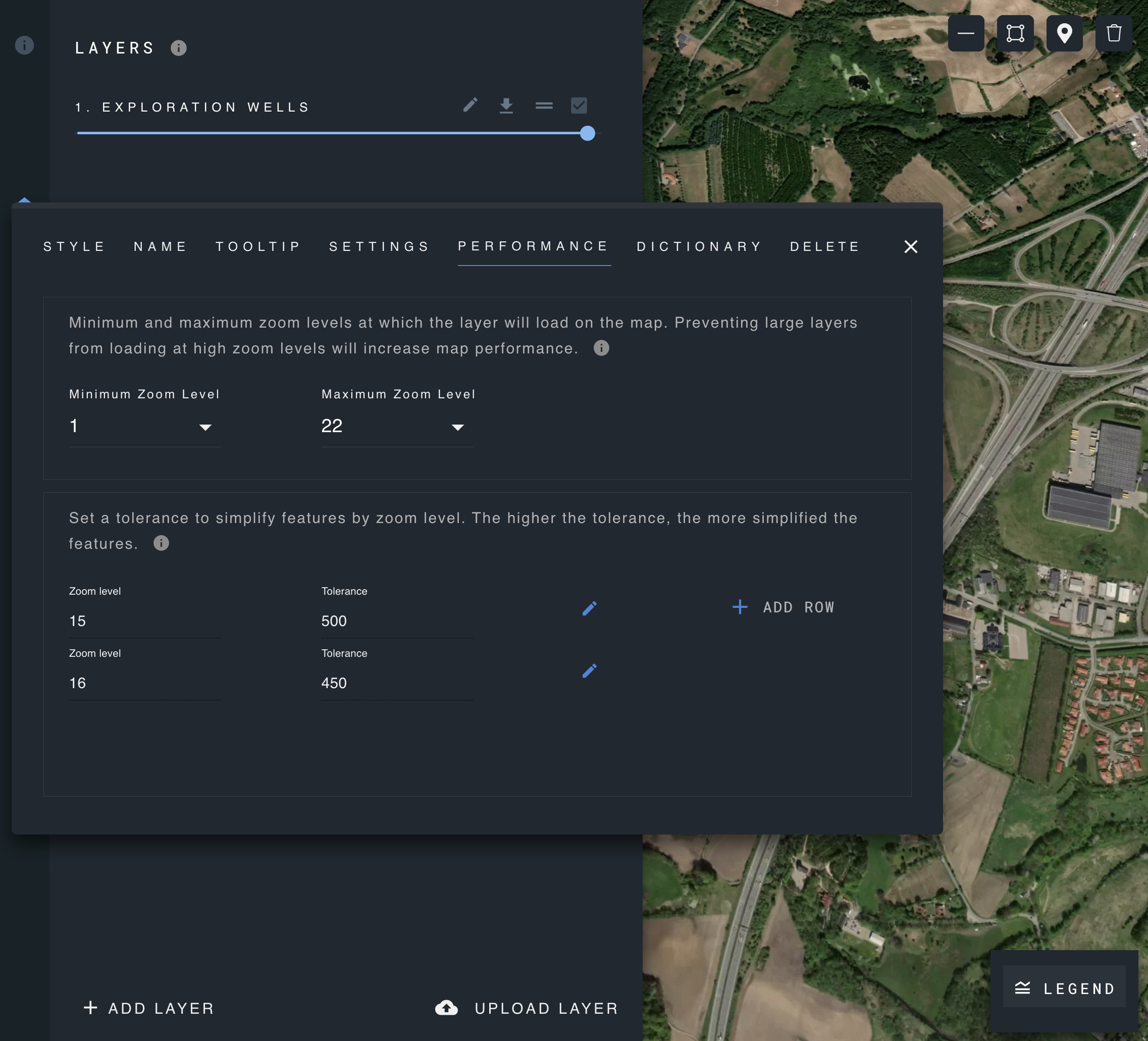
Layer Simplification
The layer simplification helps reduce the complexity of geometric shapes, making them easier to work with and faster to render.
It uses the Douglas-Peucker algorithm, which tries to represent a line with fewer points, ensuring that the simplified line remains reasonably close to the original one.
Parameters:
- Tolerance: This is a measure of how much the simplified shape can deviate from the original. Smaller tolerance values mean the simplified shape will be closer to the original, while larger values allow for more deviation.
- Zoom level: The zoom level determines how much detail is shown on a map. As you zoom out, you see less detail, and as you zoom in, you see more.