Create a new vector layer
Users may create a blank vector layer (i.e., a layer which initially contains no features), and then create features for the layer via the draw tools.
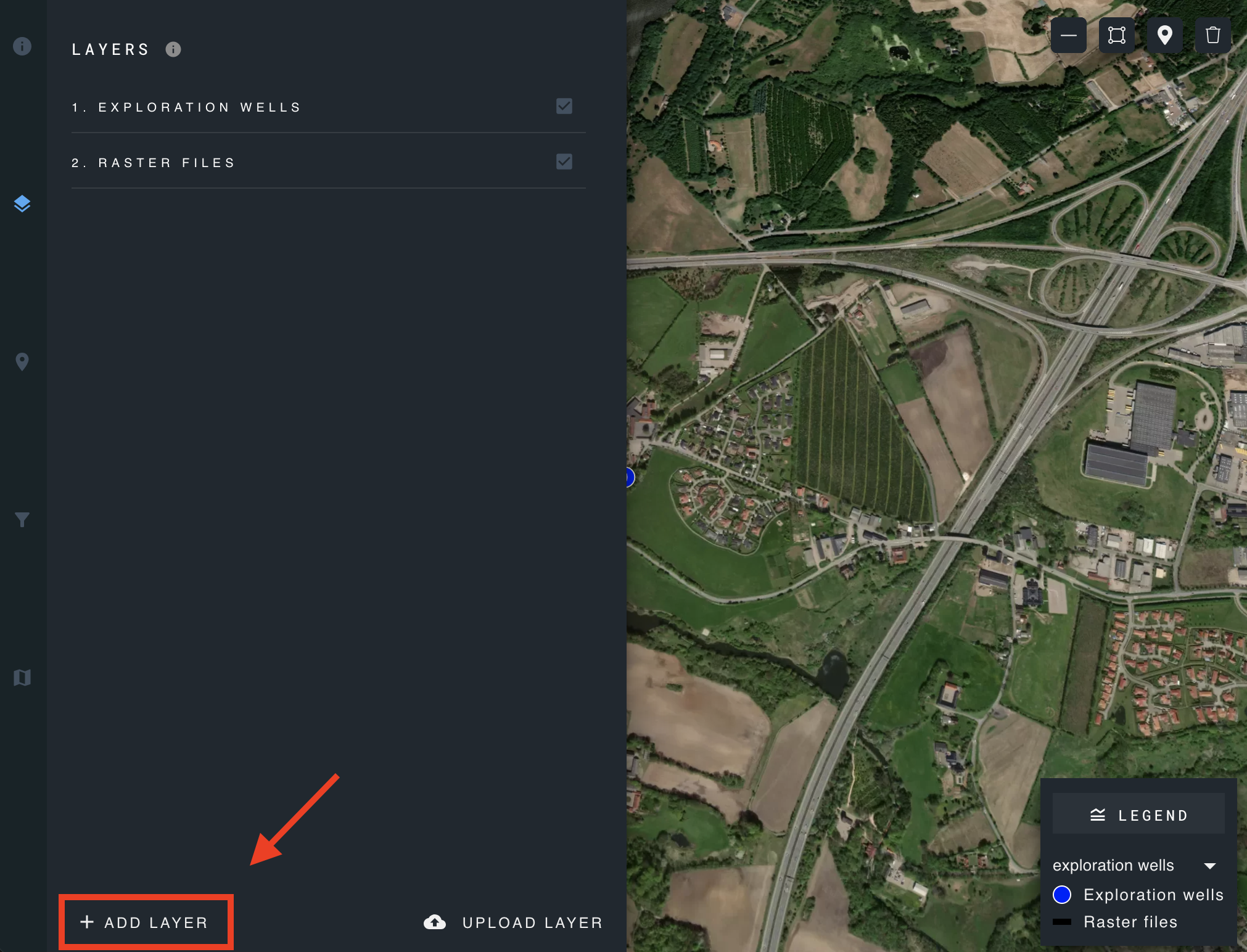
click on the button located in the bottom left of the layers panel.
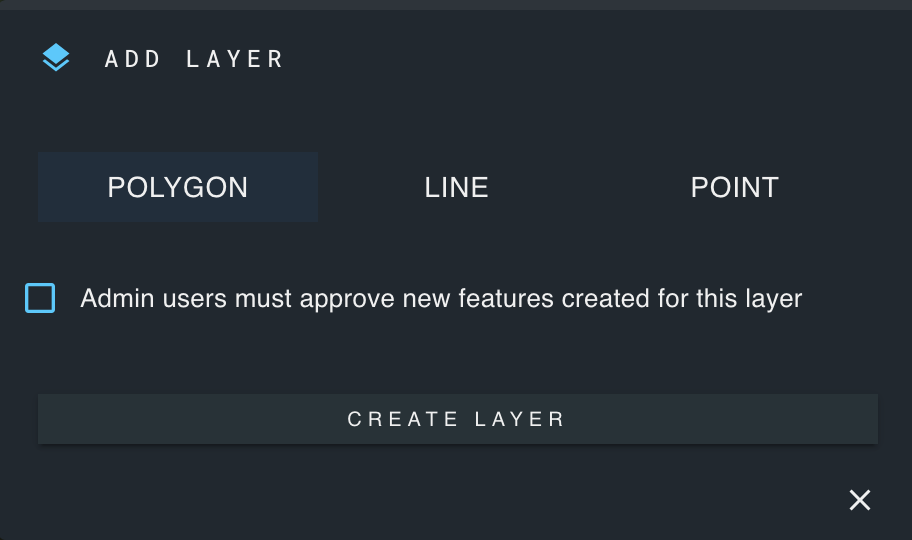
Choose between adding a polygon, line, or point layer.