Map settings
For Admin users:
These features are only available for users with admin or edit permissions.
Update map name and description
To modify the map name and description, click the edit icon located next to the map description.
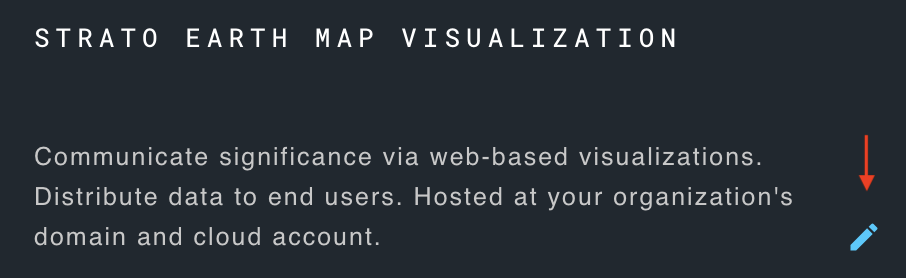
Make the necessary modifications and save changes.
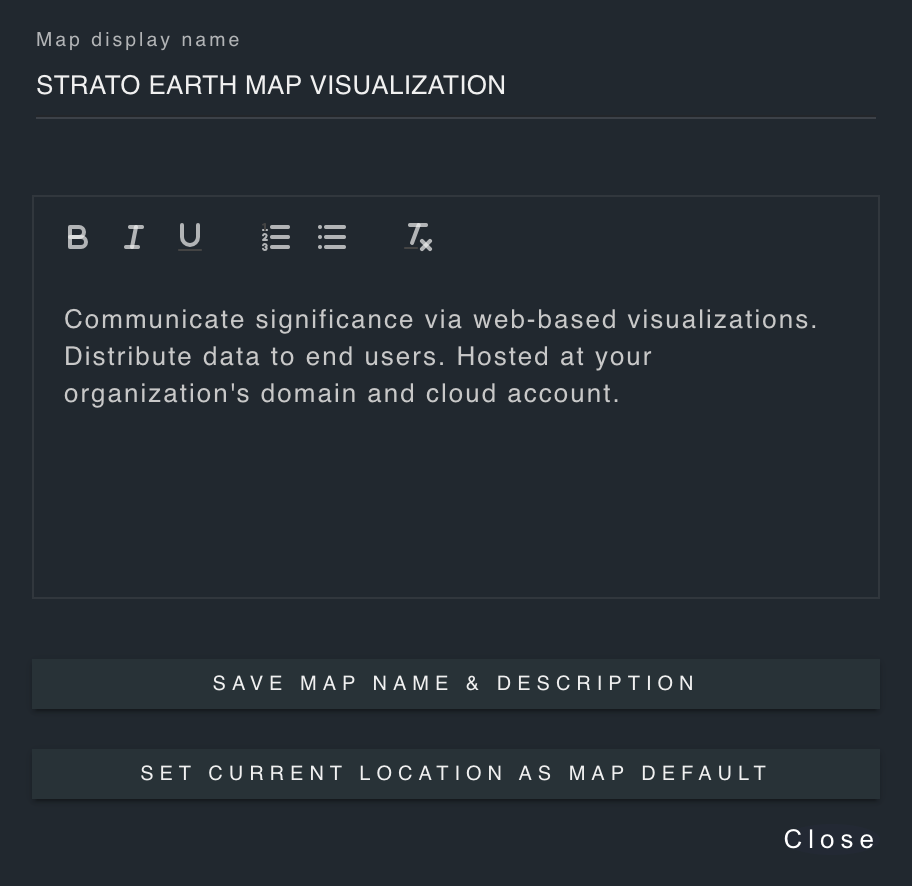
Set current location as map default
This feature allows you to set the currently visible area of the map as the default location when the map loads.
Create a new map
To create a new map, click the user icon located in the bottom right of the about panel.
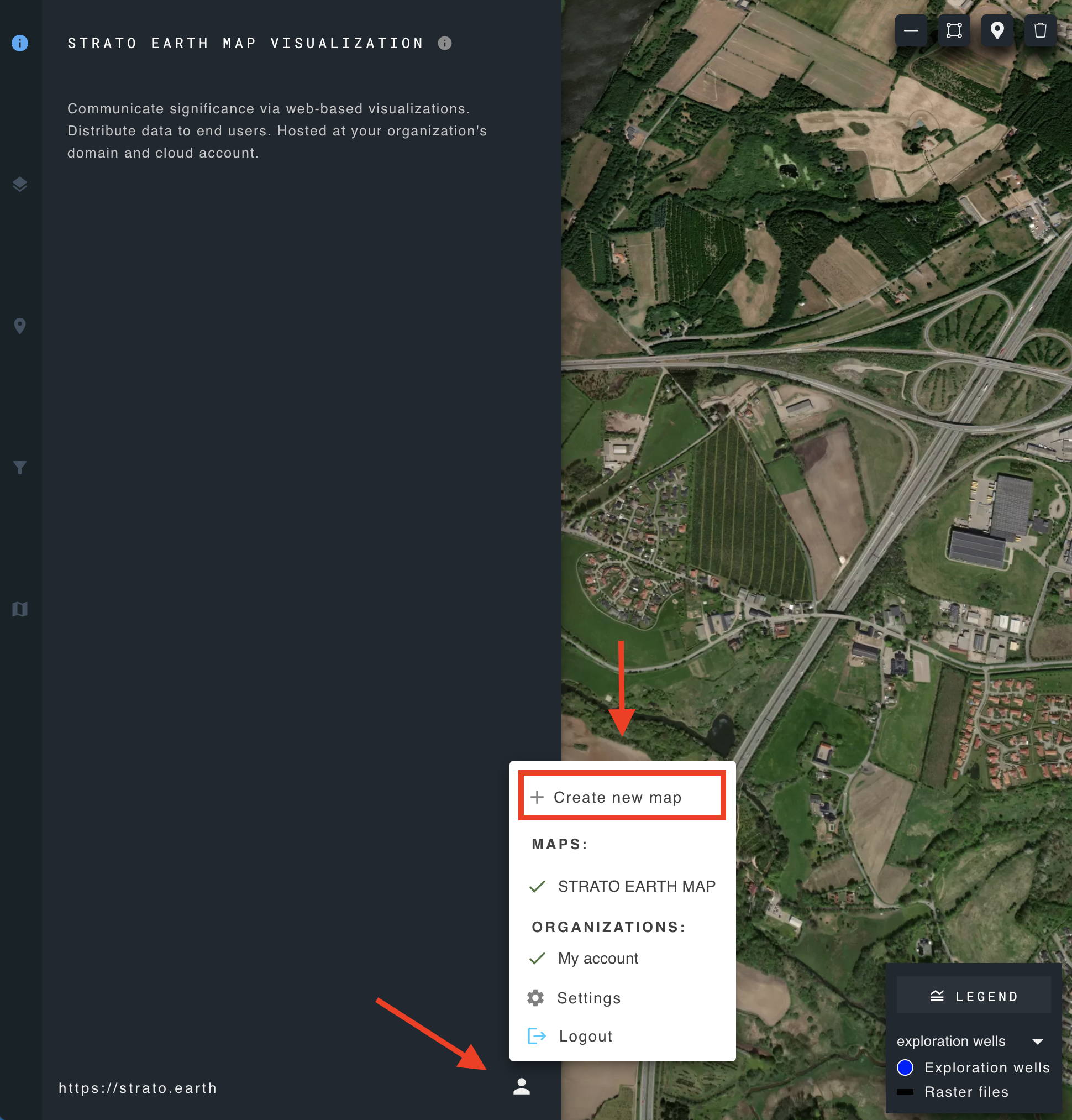
Click "create new map", and the new map will be added to the list of maps.