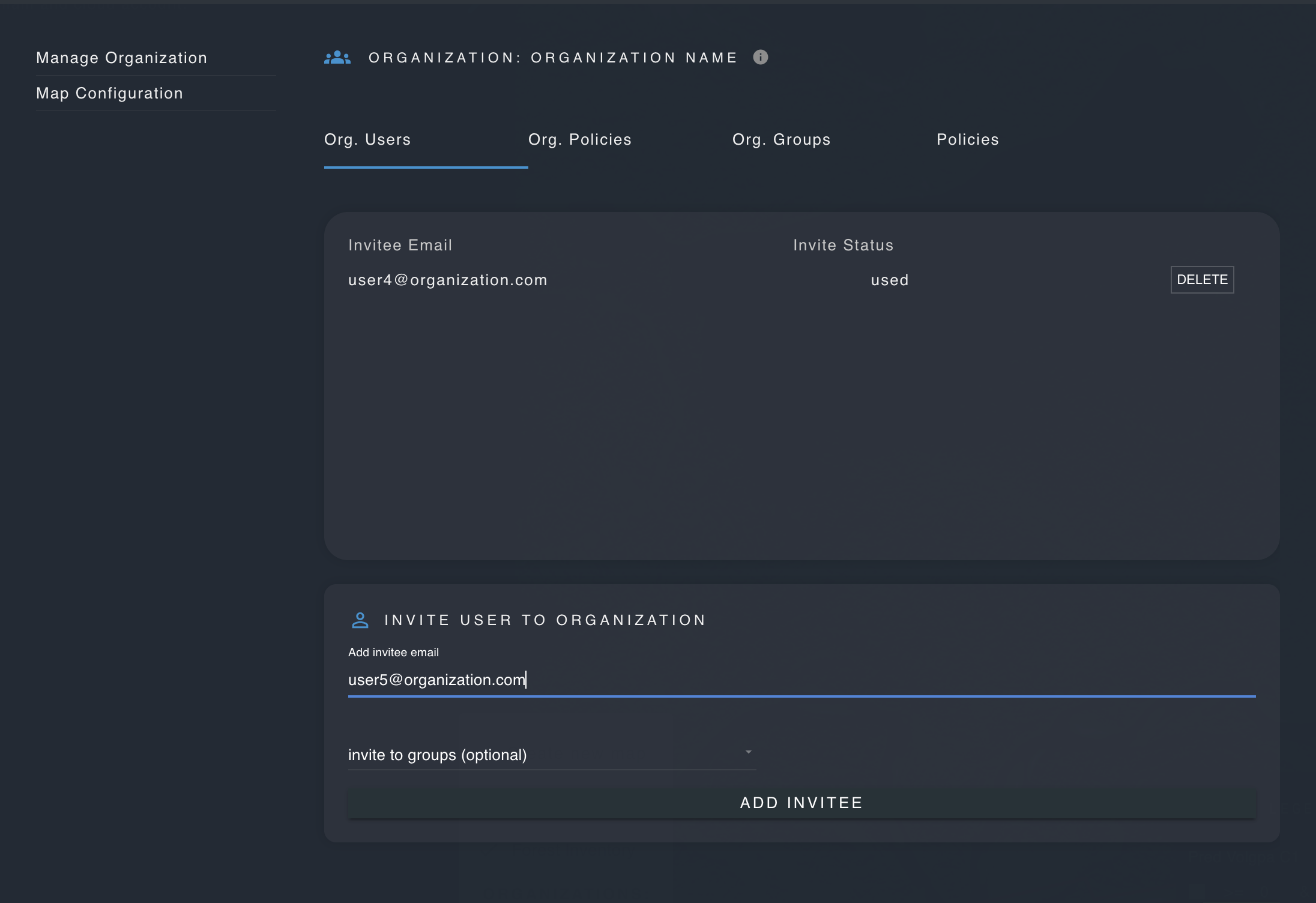
Organizations
These features are only available for users with admin permissions.
Enterprise subscribers are provided with an organization. Users can be invited to the organization via email address, so that private maps, layers and other resources can be shared amongst organization members.
Policies can be added to organizations, so that any users who are invited to the organization will inherit the organization policies and permissions, such as for viewing certain maps or downloading layers.
Organizations may also contain groups, which allow for smaller groupings of users who will inherit the policies and permissions associated with their group. Groups are useful for creating separate classes of users with different permissions from regular users.
To access the organizations panel, click on the user menu icon, select "settings", and then "manage organization".
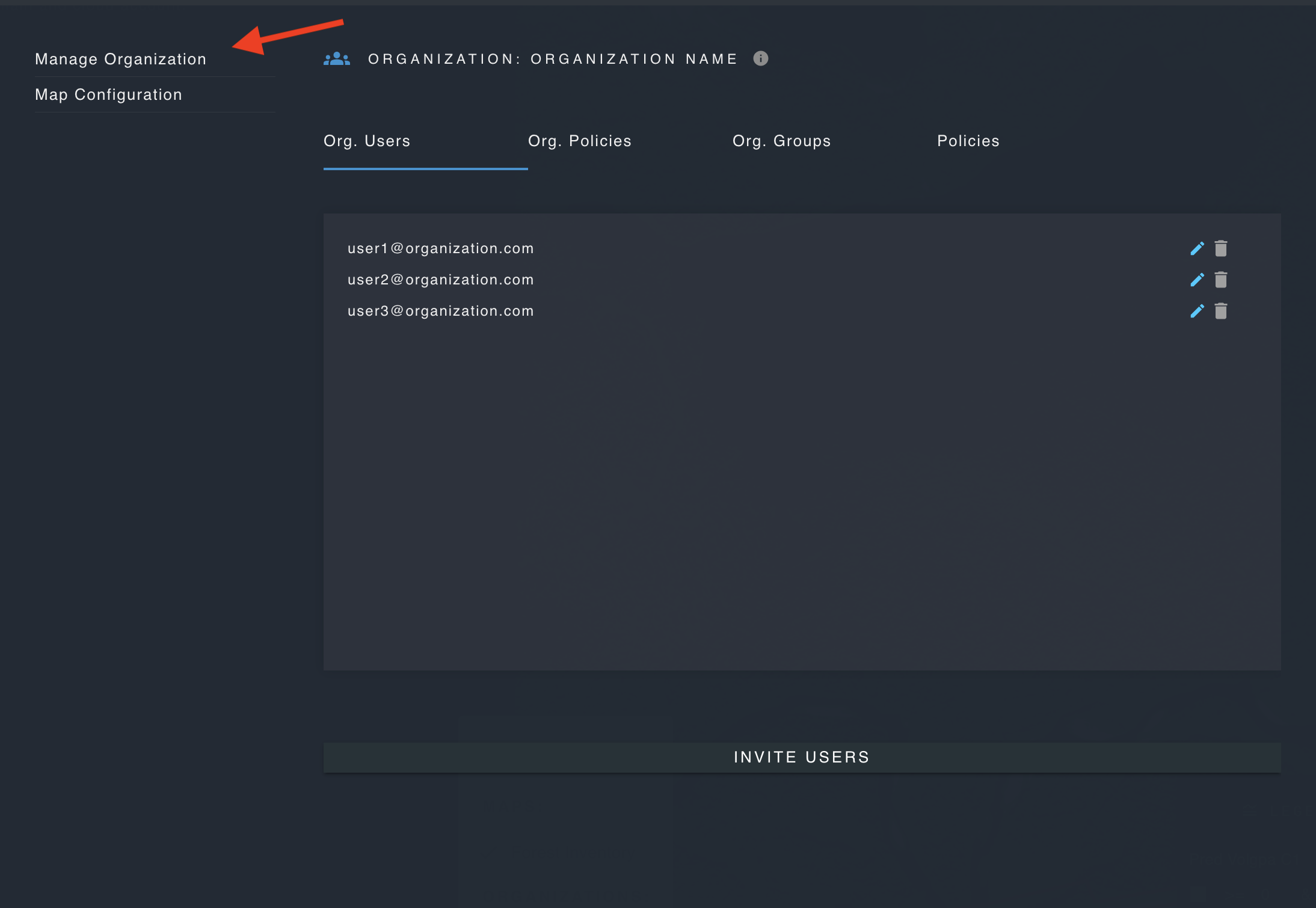
Add Policies to the Oganization
Policies contain permissions which allow users to access and perform actions on resources such as maps, layers and workflows. Polices may be added to organizations, so that all organization users automatically inherit the policies' permissions.
If you have already created a policy, click on the "Org. Polices" tab and use the checkboxes to add and remove policies from the organization.
Invite a new user
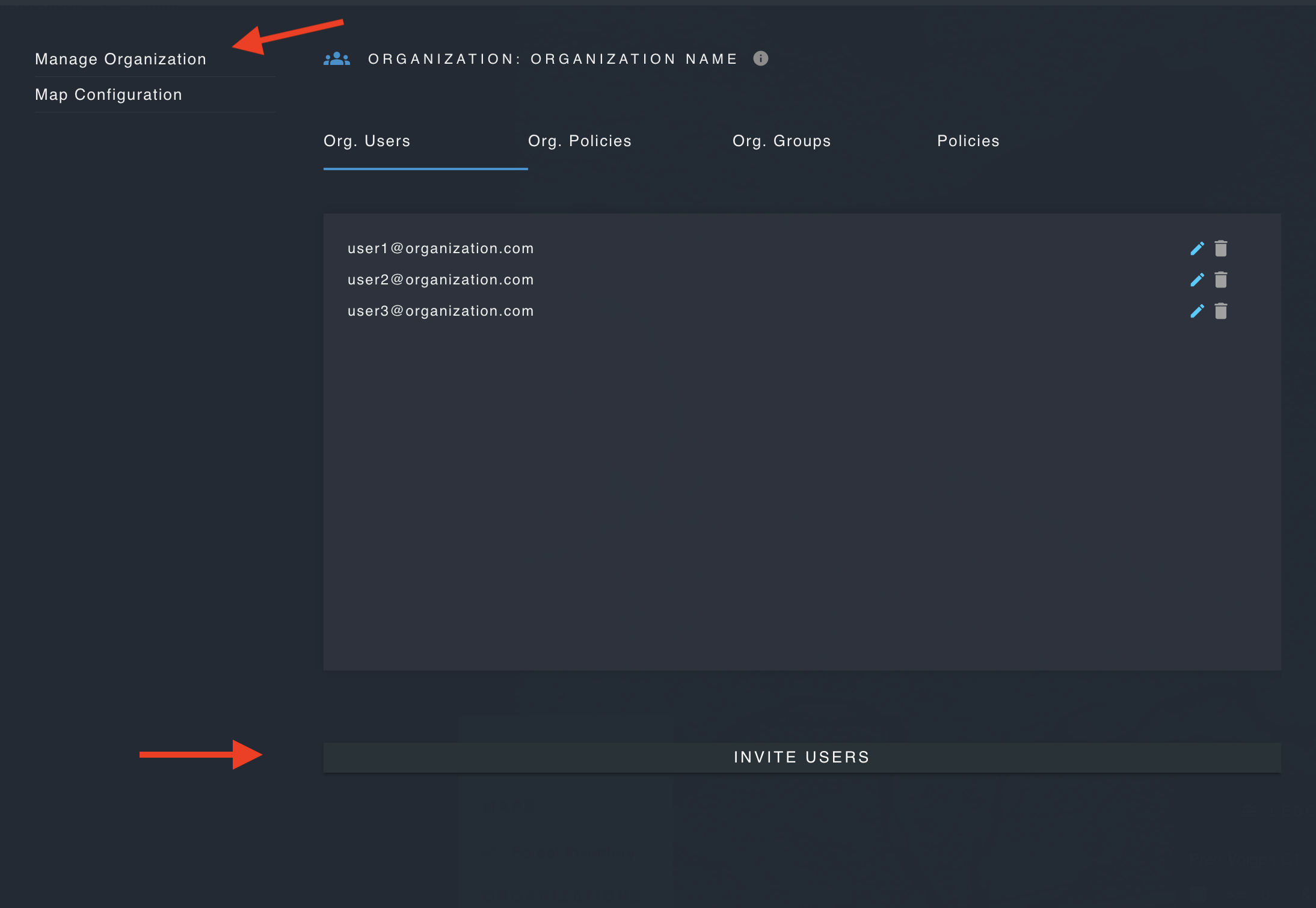
Enter a user's email to invite them to your organization. Upon signing up with the corresponding email address, the user will be automatically added to the organization and granted any policies and permissions associated with the organization. You may optionally specificy one or more groups to add the user to.