Github Integration (CI/CD)
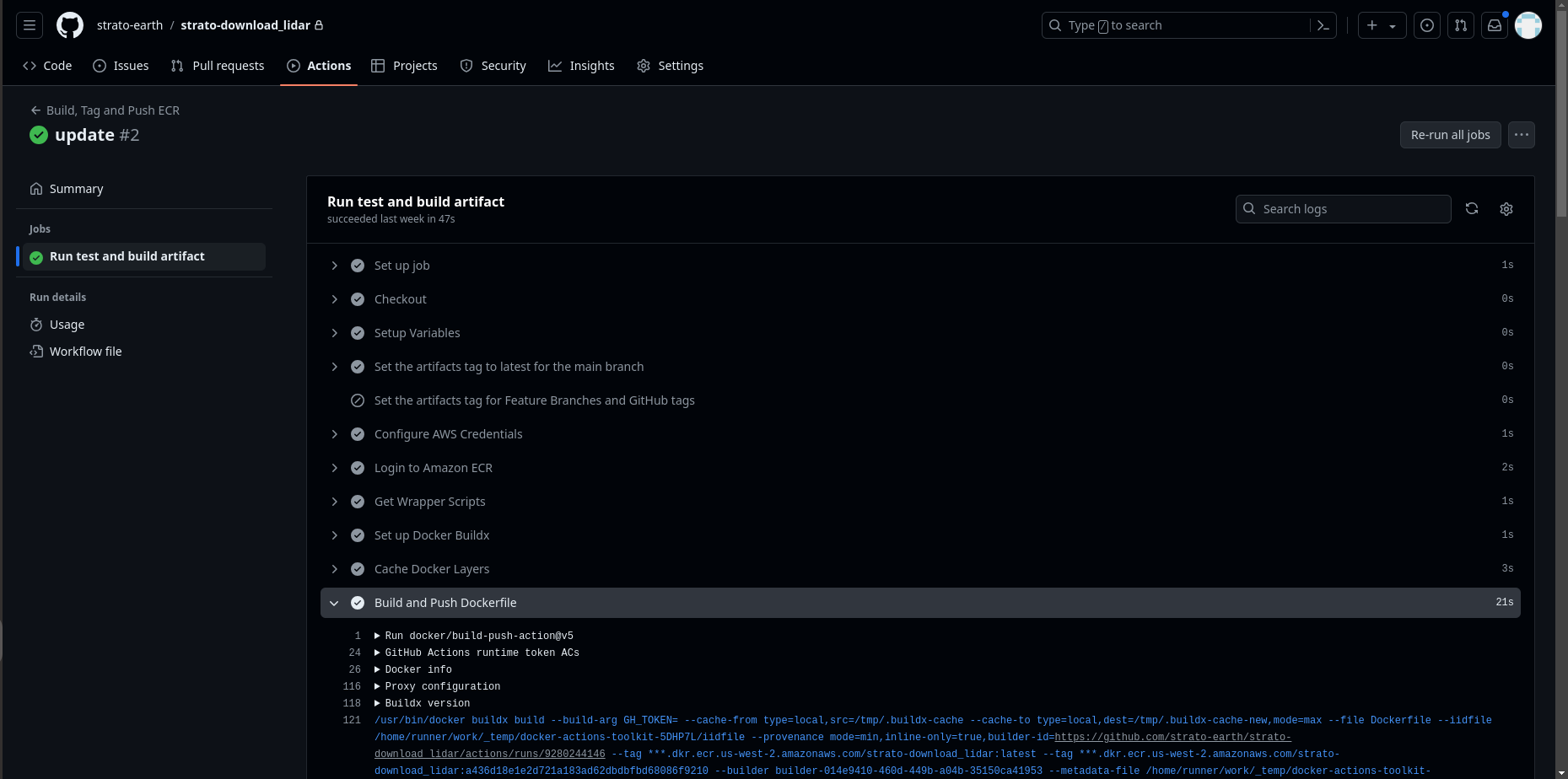
Run our bash script in the terminal to spin up a new repository in your organization's Github account. The repository will include a Docker template and CI/CD script (Github Actions YAML file). Upon merging to the main branch of the repository (or any branch beginning with 'STRAT-'), the CI/CD script pushes a Docker image to your organization's AWS account. The Docker image will be immediately available in the Strato Workflows user interface for constructing serverless functions or containers and inserting them as states in a workflow.
Pushing new code or merging to one of the designated branches will automatically and immediately update any states in your workflows which are built on the branch. Within several minutes of pushing an update, users can see the results of the updated workflow states during an execution.
Pushing or merging new code to a designated branch will also update a state mid-execution, which can be useful when using a choice state to reject the results of a previous state and run it again.
Bash script for spinning up a Github repository with CI/CD:
curl https://raw.githubusercontent.com/strato-earth/workflow-task-template/main/scripts/bootstrap-workflow-task.sh -o bootstrap-workflow-task.sh && chmod +x bootstrap-workflow-task.sh && ./bootstrap-workflow-task.sh -o strato-earth -n ndvi-py -t container_python -e development -p strato-development -w container
| flag | Definition |
|---|---|
| -o | Your organization's name on Github, e.g., github.com/some-organization. |
| -n | The name of the repository which will be created upon running this script. |
| -t | Template type, one of container_bash, container_c, container_python, lambda_javascript, lambda_python |
| -e | The name of your AWS environment, per your machine's .aws folder contents |
| -p | The name of your AWS profile, per your machine's .aws folder contents |
| -w | Workflow task type: "container", for a Docker container, or "function" for an AWS Lambda |